Matching Game with JavaScript Logic
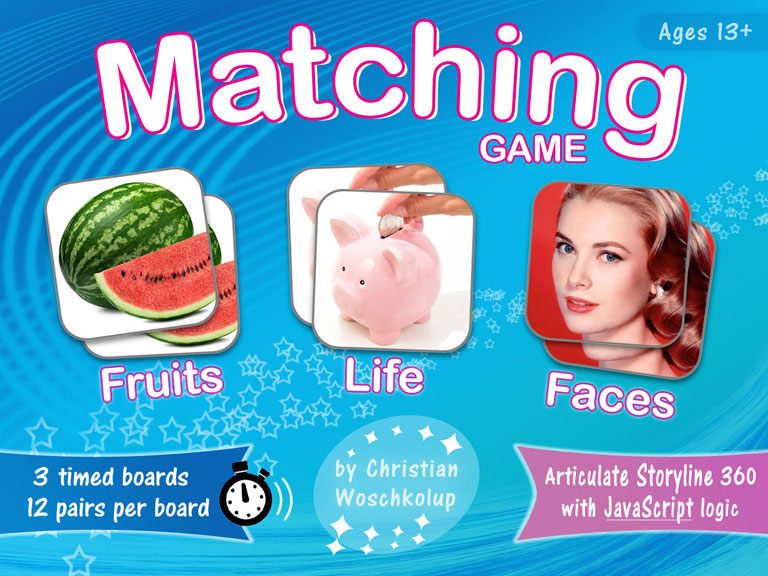
I created this game—because I love board style matching games—and also to see how far I could go with Articulate Storyline, using JavaScript as the game logic. Actually it took more time creating the user interface, graphics, and sound than it did to code the JavaScript. So it's easier coding the logic than one might think at first. Articulate Storyline is the stage where the action happens, and the JavaScript is the logic that controls what happens on that stage.

- UI Design
- Graphic Design
- Image, and Audio Production
- Process Logic Design
- JavaScript Programming
- Articulate Storyline Development
- Articulate Storyline 360
- Adobe Photoshop
- Sound Forge Audio Studio
- Visual Studio Code
- JavaScript
- 307 Lines of Code
- 53 Variables
- 5 Functions
- 47 If…Else Statements
- 3 Switch…Case Statements
Overview
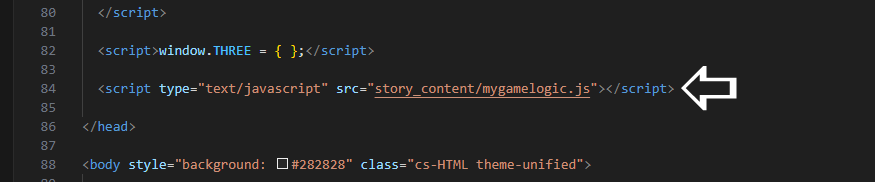
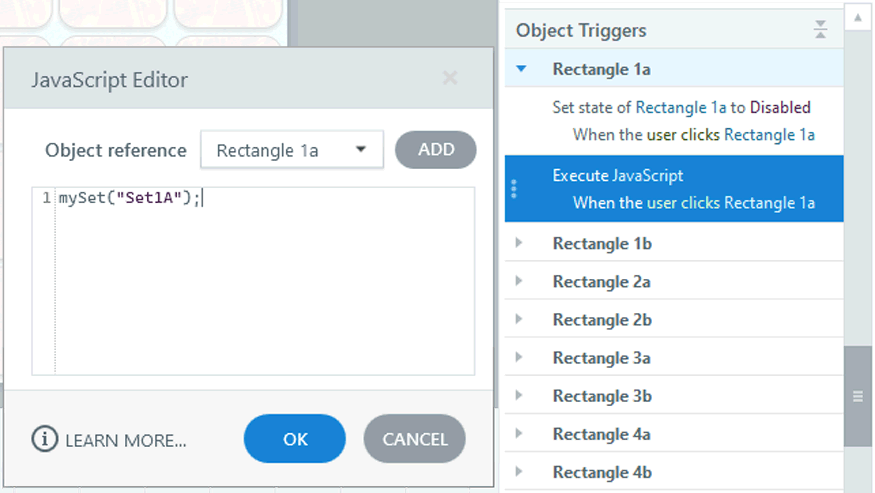
This game uses vanilla JavaScript in an external source file that I created using Visual Studio Code. The JavaScript source file is added to the Articulate Storyline output package after it is published out. Then the output package is zipped up and uploaded to the LMS (Learning Management System).
The game facilitates communication from Articulate Storyline to the JavaScript source file code, and from the JavaScript source file code back to Articulate Storyline. For example when the player that’s playing the game selects a tile, Articulate Storyline flips the tile over and sends the tile ID to the JavaScript logic. The JavaScript logic:
- Keeps up with the tile selections
- When there’s a match or not
- What actions should be executed next
- Then instructs Articulate Storyline to execute these actions
Key Feature
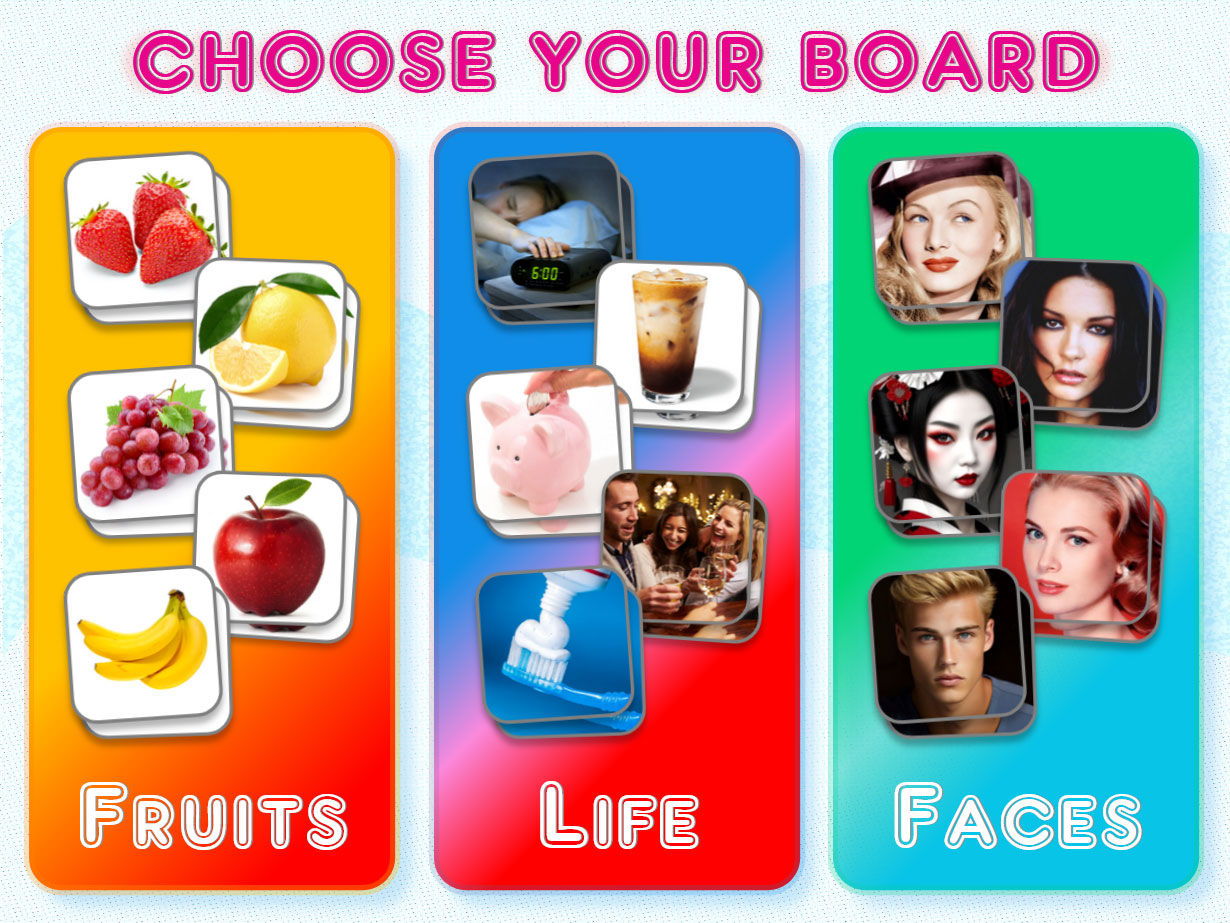
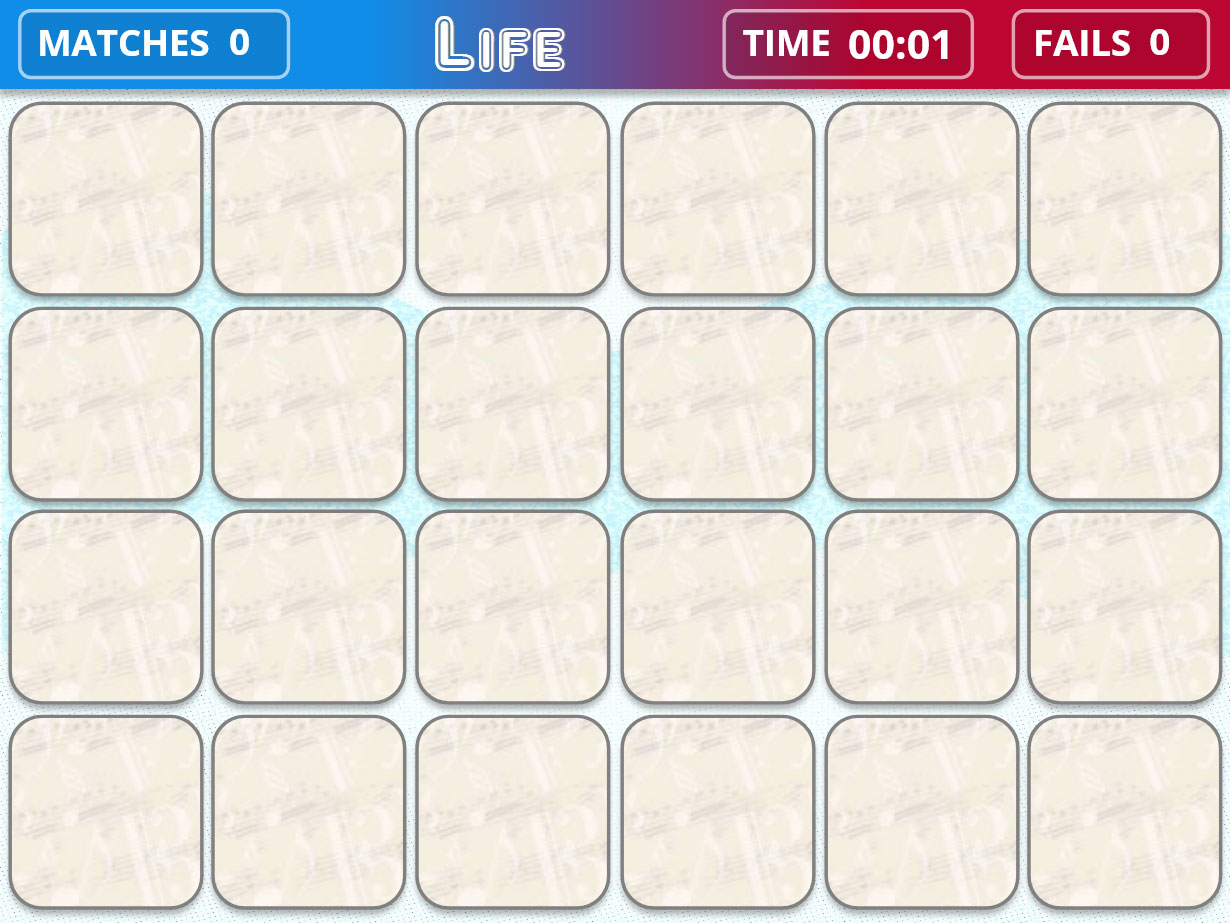
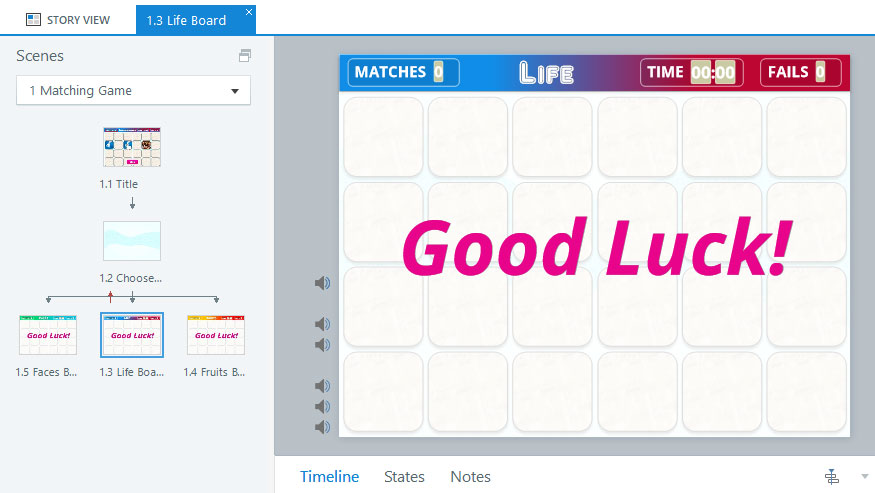
Each board of 24 tiles is a slide within Articulate Storyline. Typically you would add the JavaScript logic code to each slide within Articulate Storyline. But this makes updating the game more difficult because you would need to update the JavaScript code for each slide, every time there is an update to the code, making updates to the game more time consuming, cumbersome, and prone to errors.
This game uses only one set of JavaScript code that is dynamically reused for each slide. Any update to the code would need to be made just one time, making updates easier.
Algorithm
Here’s a general outline of the steps the algorithm takes each iteration.
- Reset all count and register variables only on the first iteration.
- Start the timer count and trigger Storyline to update the Time count every second.
- If the player flips a tile, check if it’s the first or second tile flip.
First tile flip
Trigger the tile flip sound in Storyline
Second tile flip
Determine if there is a tile match or mismatch
If there is a Match:
- Trigger Storyline to play the tile match sound
- Trigger Storyline to disable both tiles that were matched
- Trigger Storyline to increment the Matches counter
If there is a Mismatch:
- Trigger Storyline to play the tile mismatch sound
- Trigger Storyline to flip back over both tiles that were a mismatch
- Trigger Storyline to increment the Fails counter
Determine if all tiles have been matched, if so:
- Trigger Storyline to show the Win layer
- End the game
- Check the Timer count every second.
If there are 12 seconds left:
- Trigger Storyline to play the 10 second verbal warning
If there are 10 seconds left:
- Trigger Storyline to play the tic sound each remaining second
If the count has reached 1 minute:
- Trigger Storyline to show the Game Over layer
- End the game
Visual Studio Code
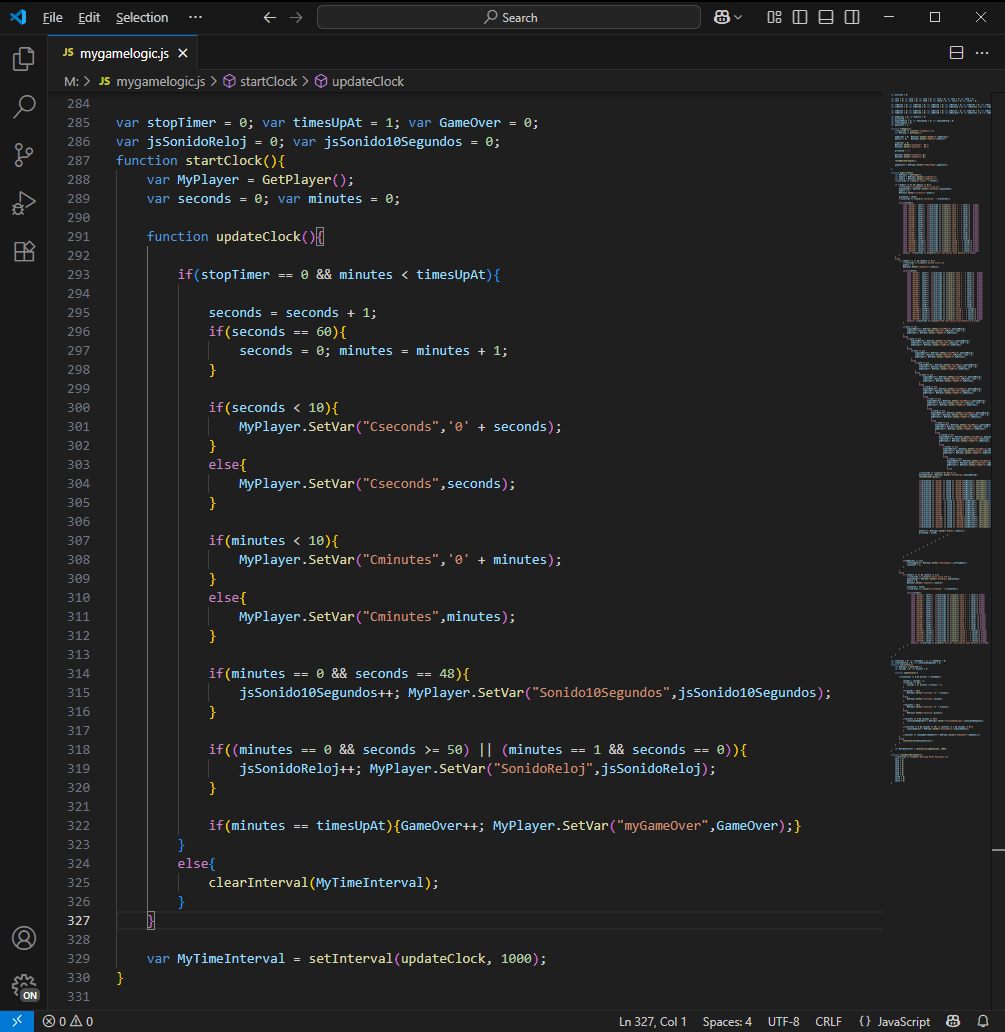
This is a screenshot showing the timer function I created. The timer starts counting when the player starts playing one of the tile boards, and it updates every second. The timer function triggers Storyline to play the 10 second verbal warning at the 48th second, and triggers Storyline to play the clock tic sound for the last 10 seconds of the game.
The timer stops counting when the player matches all the tiles or when it reaches 1 minute.
LET’S TALK
Are you looking to add dynamic activities or games into your e-learning courses?
If you have a JavaScript intensive project, or if you’re looking to add dynamic activities or games to your project, contact me and let’s build beautiful e-learning together.